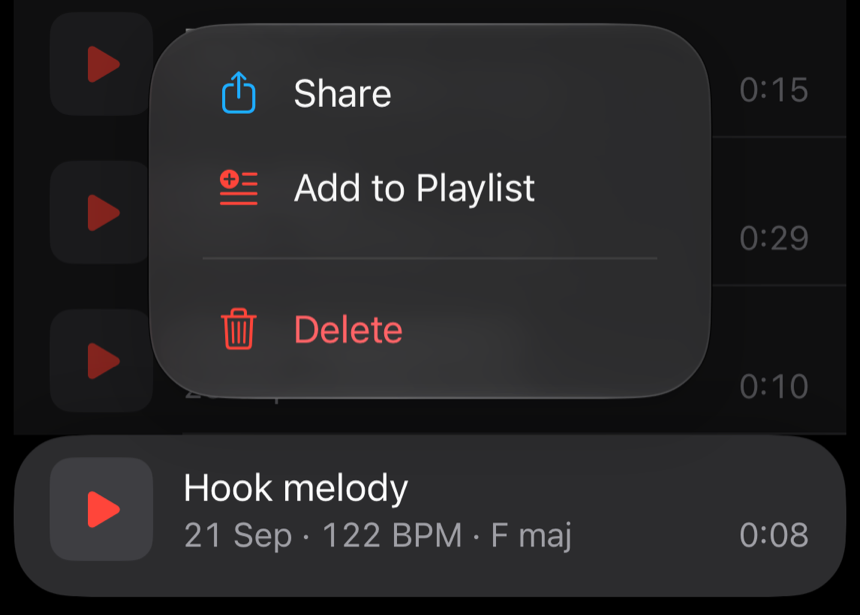
Hold a row for its actions.
Press and hold any row for what its swipe does: Share, Add to Playlist or Delete.
Demo Memo 1.2 (4) · demomemo.co.uk/releases/1.2/
Demo Memo 1.2
Playlists with covers drawn from your takes, a week to change your mind, and recordings from other apps brought in.
Version 1.2 (4) · 18 October 2026
Playlists
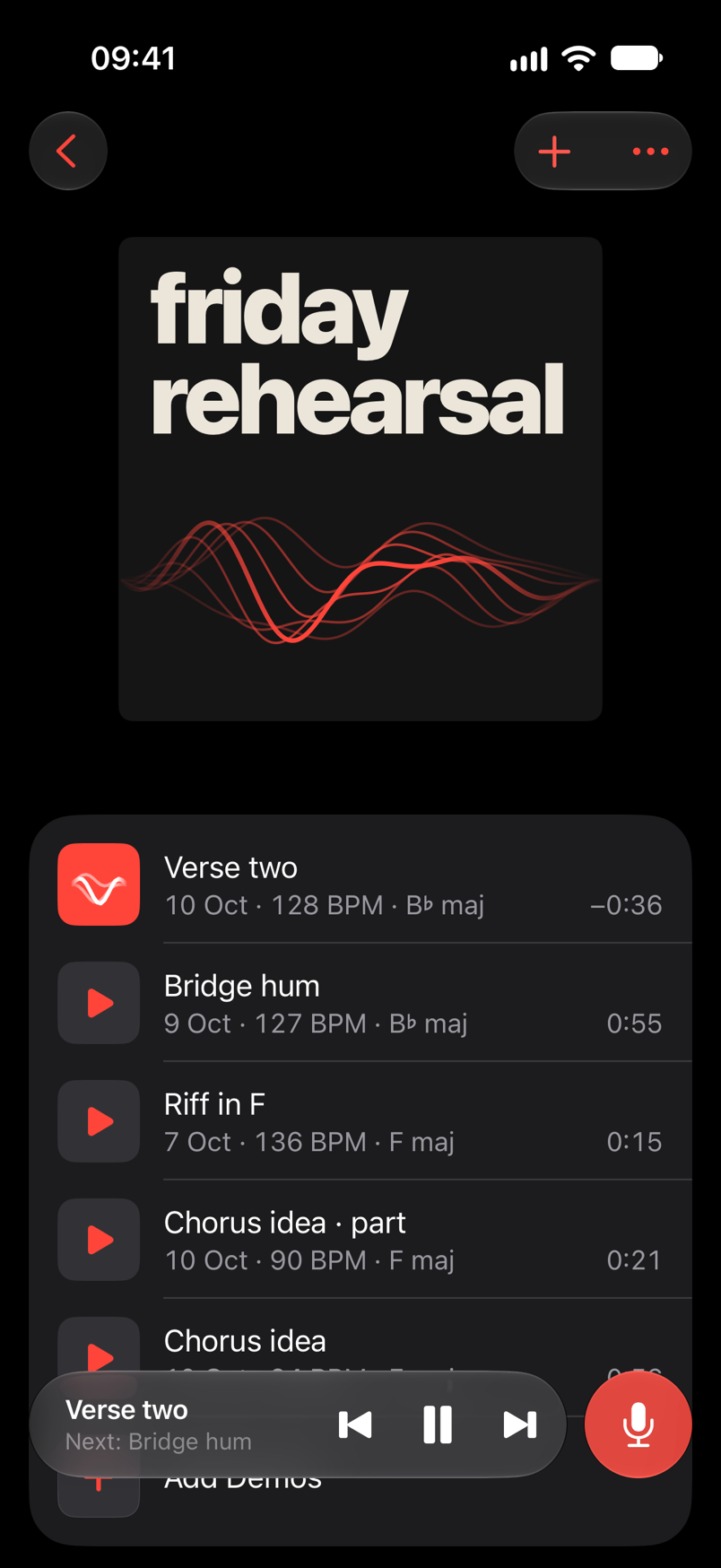
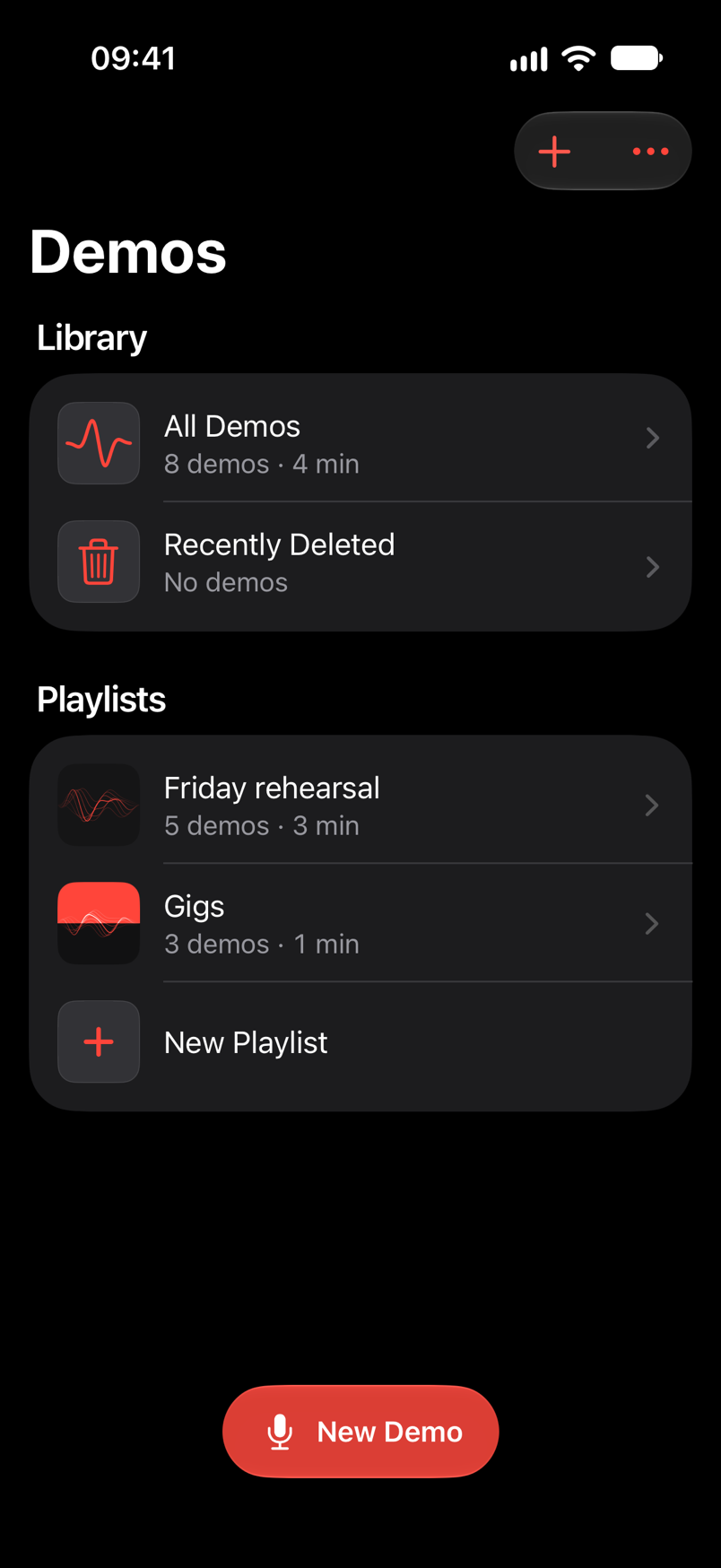
Make a playlist and add to it from anywhere: a row's swipe, the Take screen's •••, or a two-finger selection. Press Play on any row and it plays on through the playlist, in your order. New Demo on a playlist records straight into it.
Covers
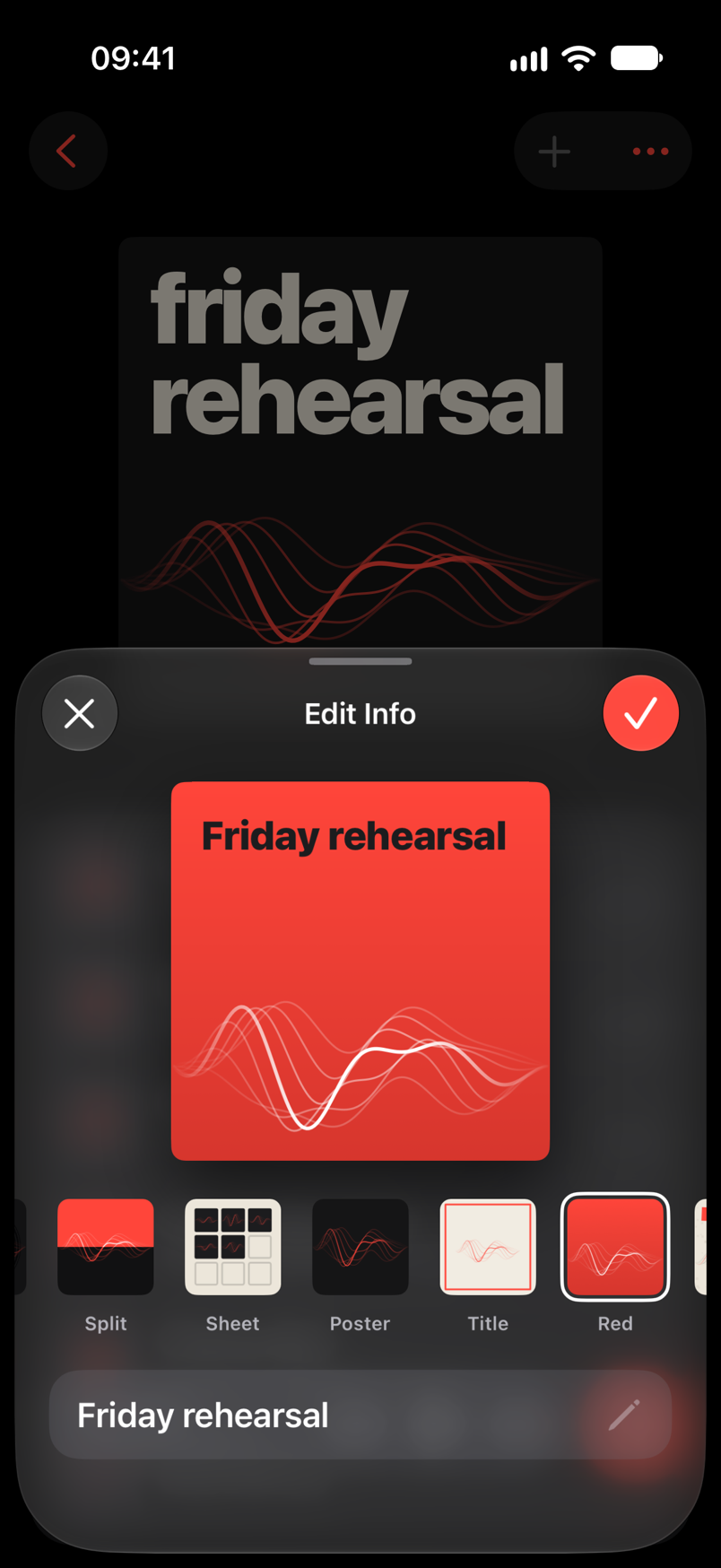
Twenty-three covers drawn from the same red strands as your takes, or a photo of your own, cropped square in one of fourteen looks. The name always fits.
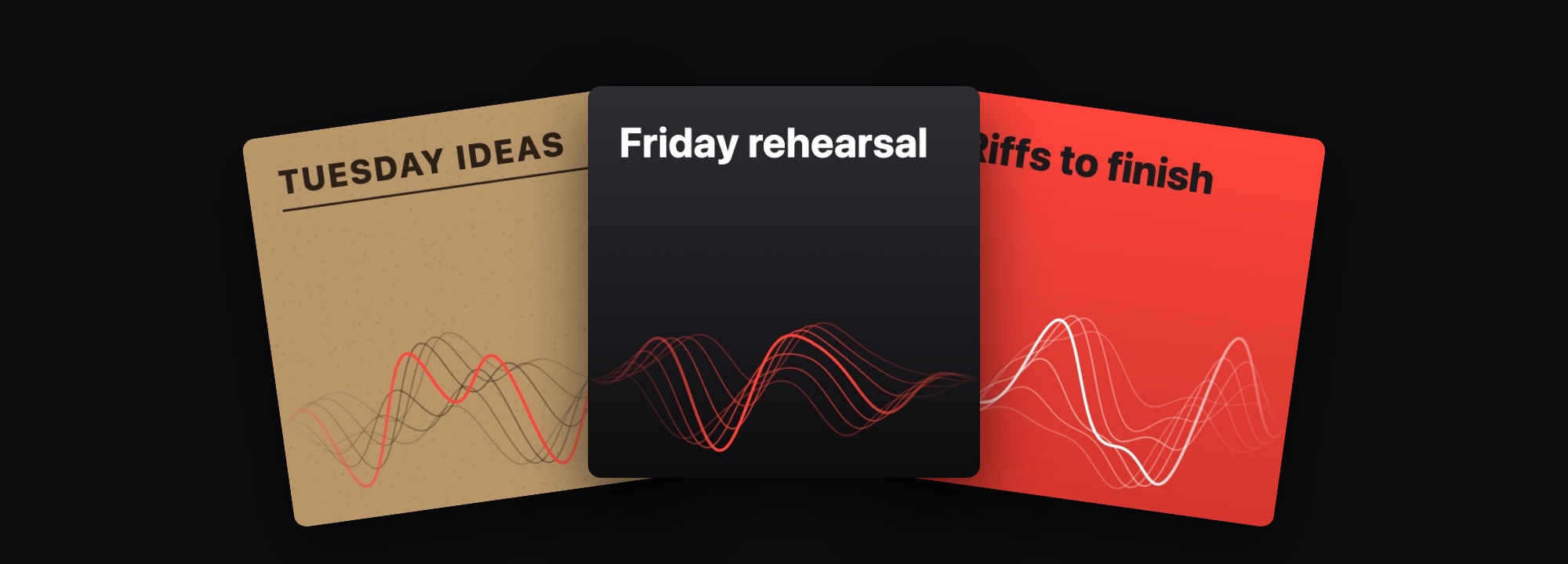
••• then Edit Info23 covers to choose fromOr a photo, in 14 looks
Recently Deleted
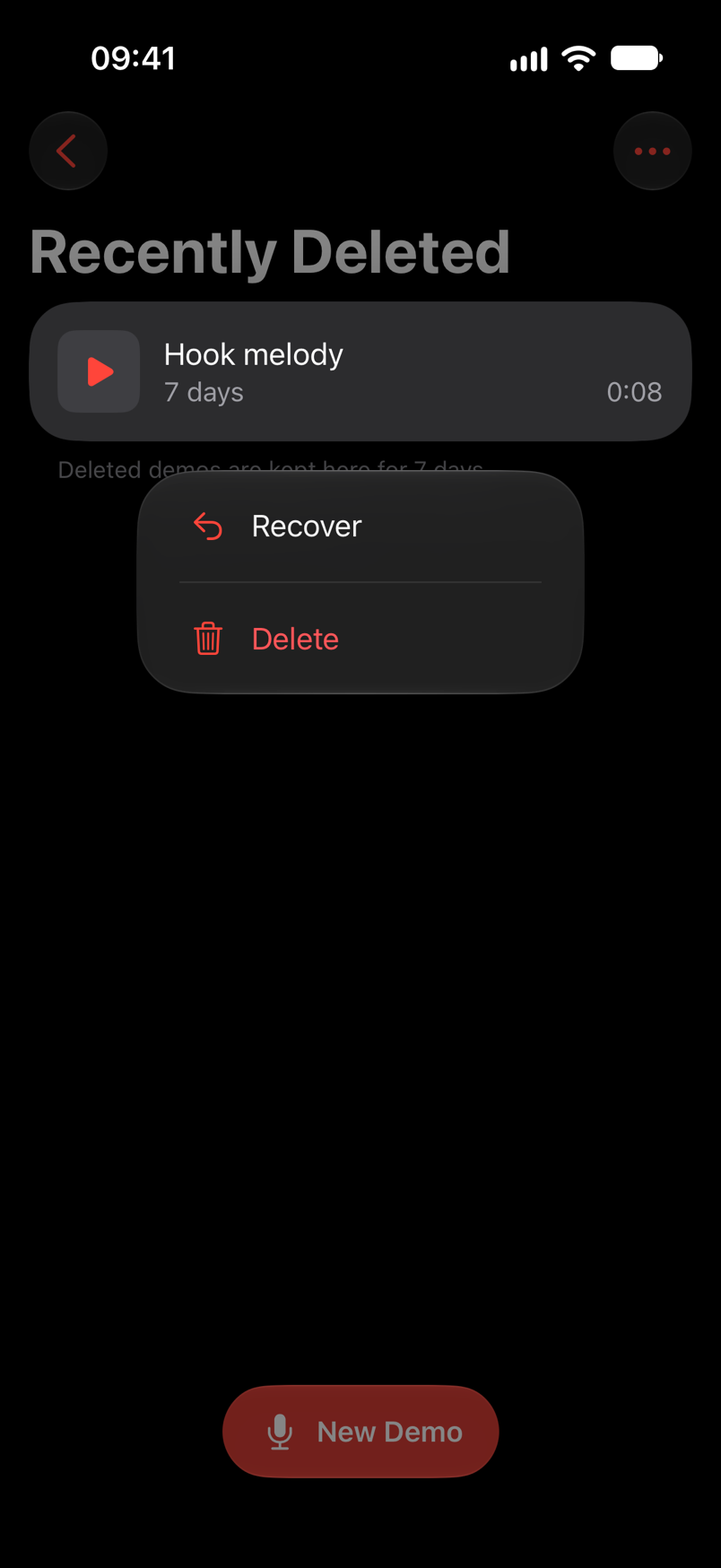
A deleted demo waits in Recently Deleted, on the Demos screen, for seven days. Hold it or swipe it to Recover, and it goes back where it was. Deleting from there is for good, so that asks first.
Import
In Voice Memos, Messages or Files, share a recording to Demo Memo. It lands at the top of All Demos, marked NEW, named after the file, with its silence trimmed off like a new take.
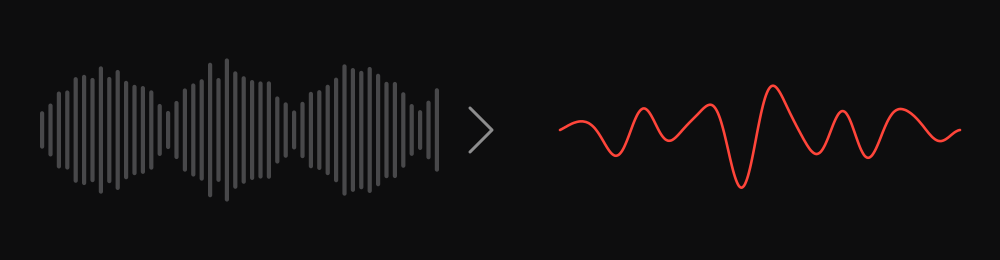
Share, then Demo MemoKept in the app's own formatOne file at a time
Press and hold any row for what its swipe does: Share, Add to Playlist or Delete.
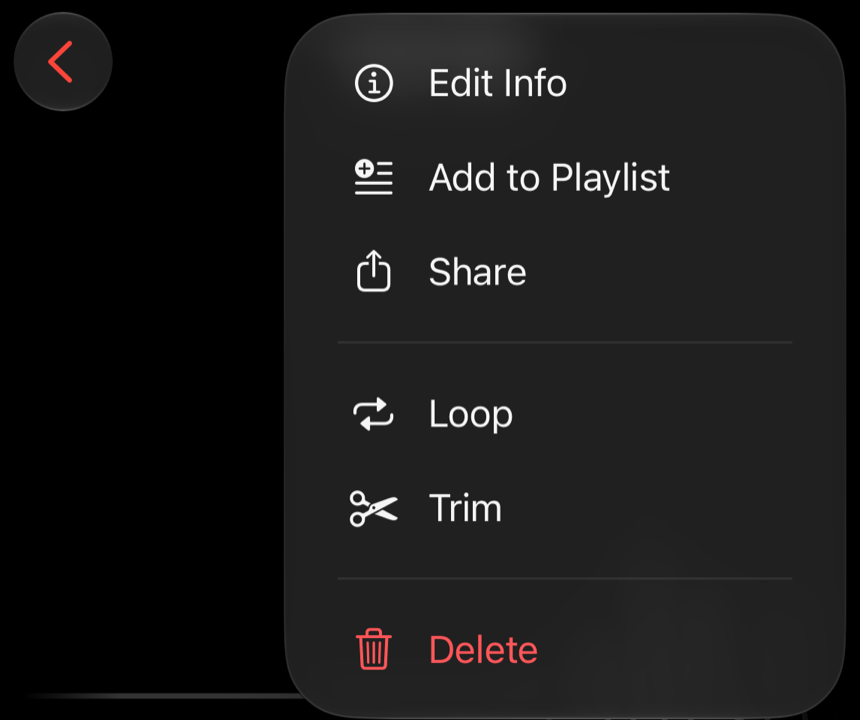
••• then Delete. You're back on the list in time to see the row go.
A new name on your home screen. "New Demo Memo" starts a take from Siri, and the old phrase still works.
Start a demo on one list and move about the app. The bar stays at the bottom of every list.
Only a delete you can't undo asks first. Deleting several demos goes to Recently Deleted, like a swipe.
A take recorded through an interface at 88.2 or 96 kHz is now shared at 48 kHz. It used to fail with a share error.
If the microphone went during Start over's count-in, your next take could replace the demo you meant to keep. Now the demo is given back.
Recording Tips, the Save as New Demo message and Loop's labels follow your text size, and onboarding scrolls at the largest sizes.