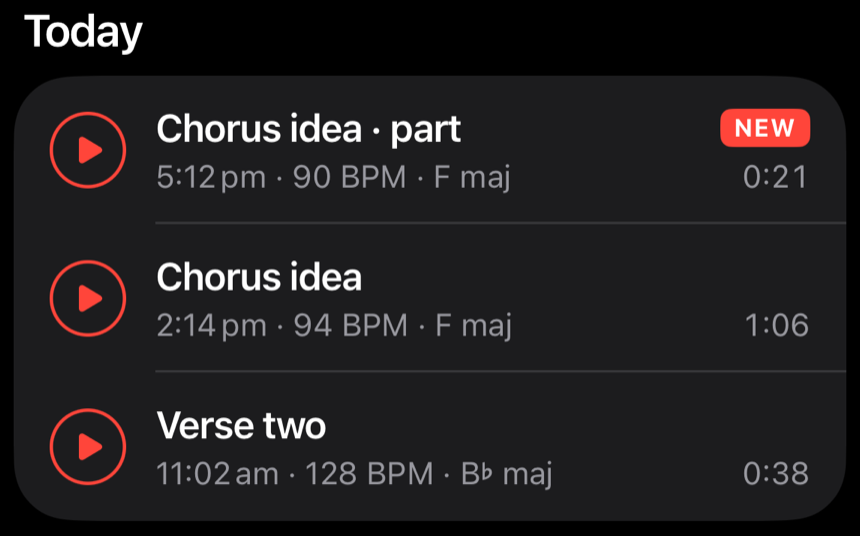
Saved parts arrive marked.
Save a range from Loop or Trim and you land on the list, at the top, with the new demo badged until you play it.
Demo Memos 1.1 (3) · demomemo.co.uk/releases/1.1/
Demo Memos 1.1
Loop and Trim arrive, silence trims itself, and tidying up takes one swipe.
Version 1.1 (3) · 11 October 2026
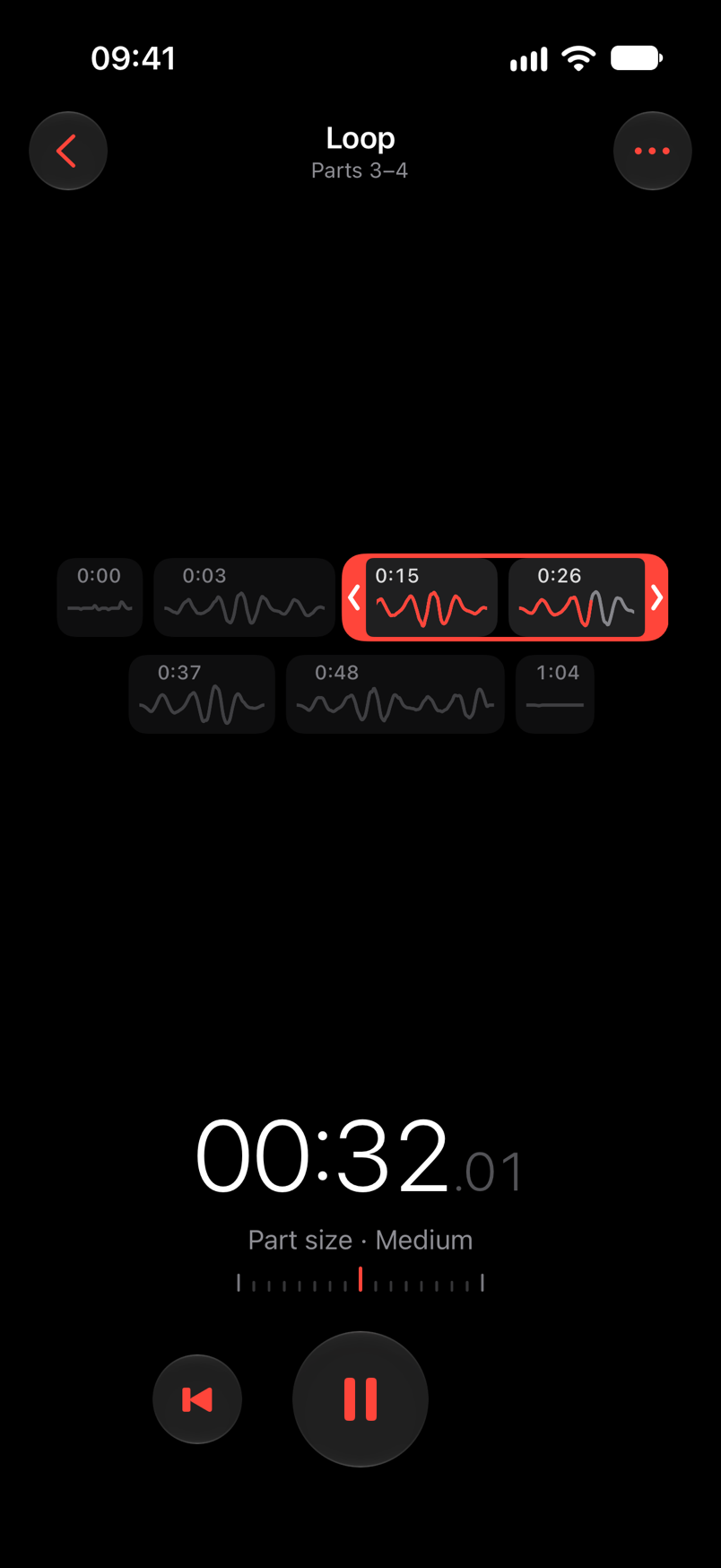
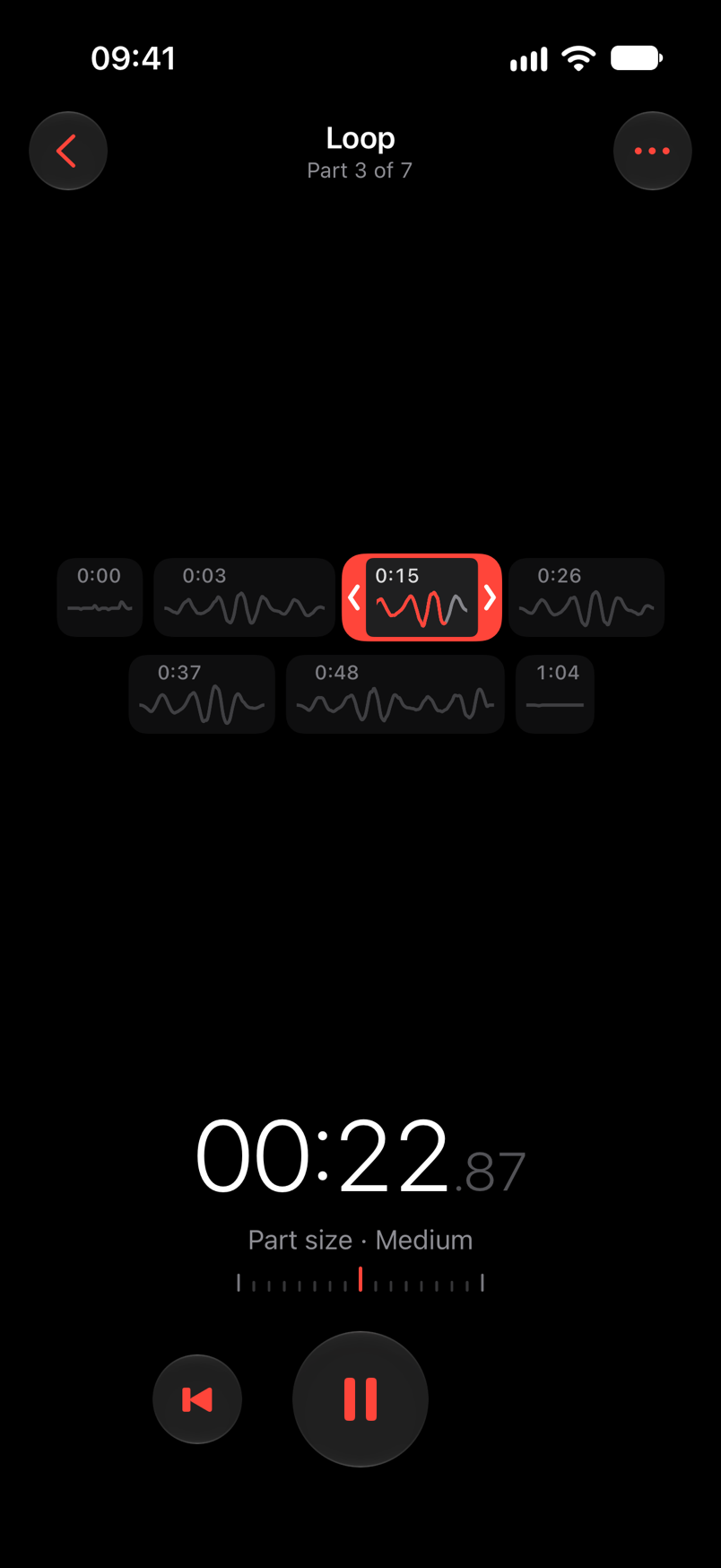
Loop
Your take, laid out as the parts of the song. Tap one and it repeats. Drag either end to take in its neighbours. No gap at the join.
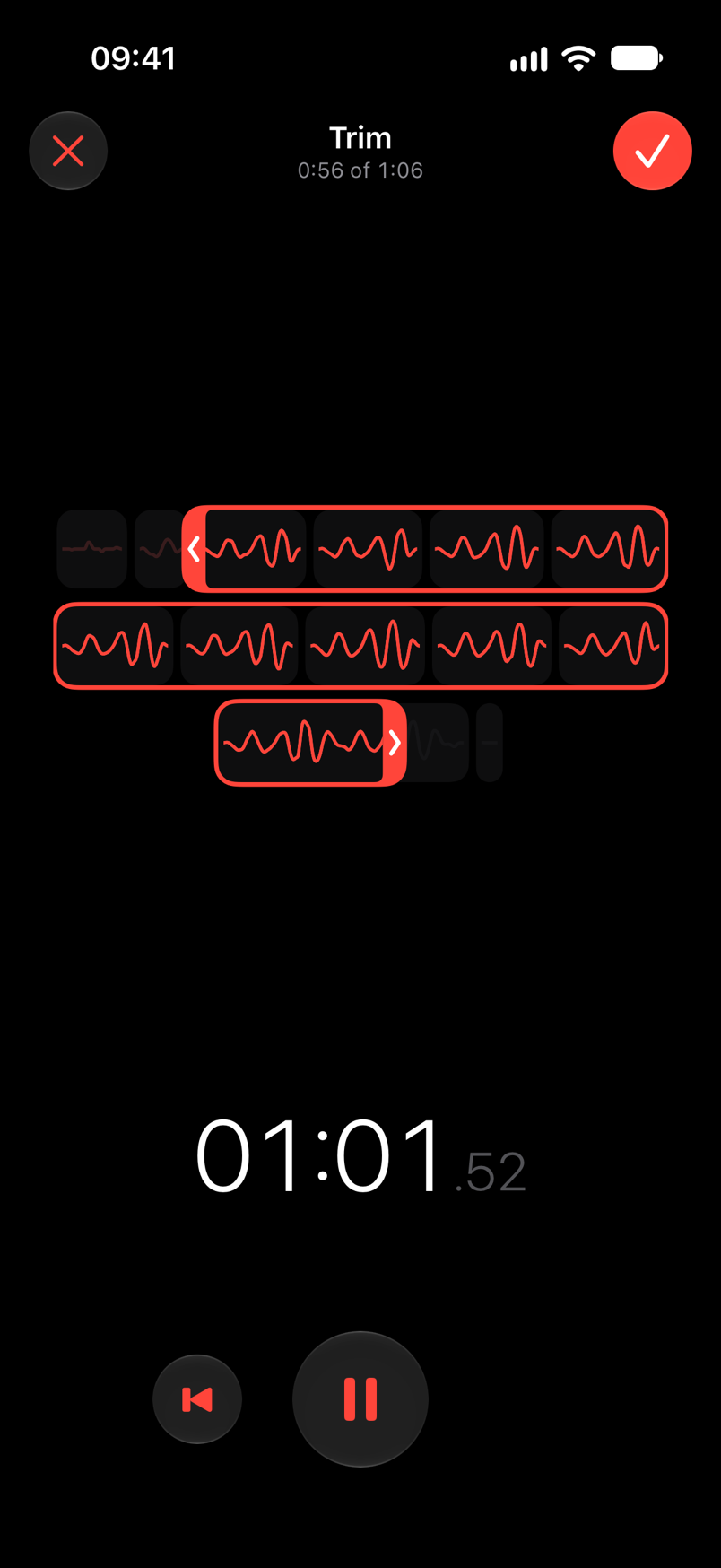
Trim
Two red tabs, the whole take. Hold a tab to hear exactly where the edge falls. Then trim the demo, or save that range as a demo of its own.
Auto trim
The tap, the phone going down, the breath before you play. A new demo is saved without them.
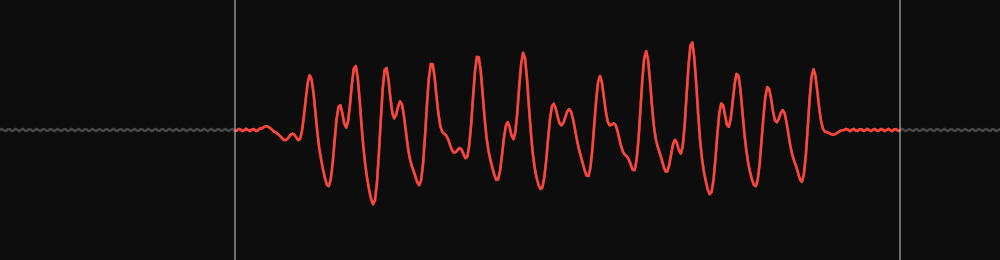
Starts 0.5 s before your first soundCount-ins and quiet intros stayEnds 1.5 s after your last
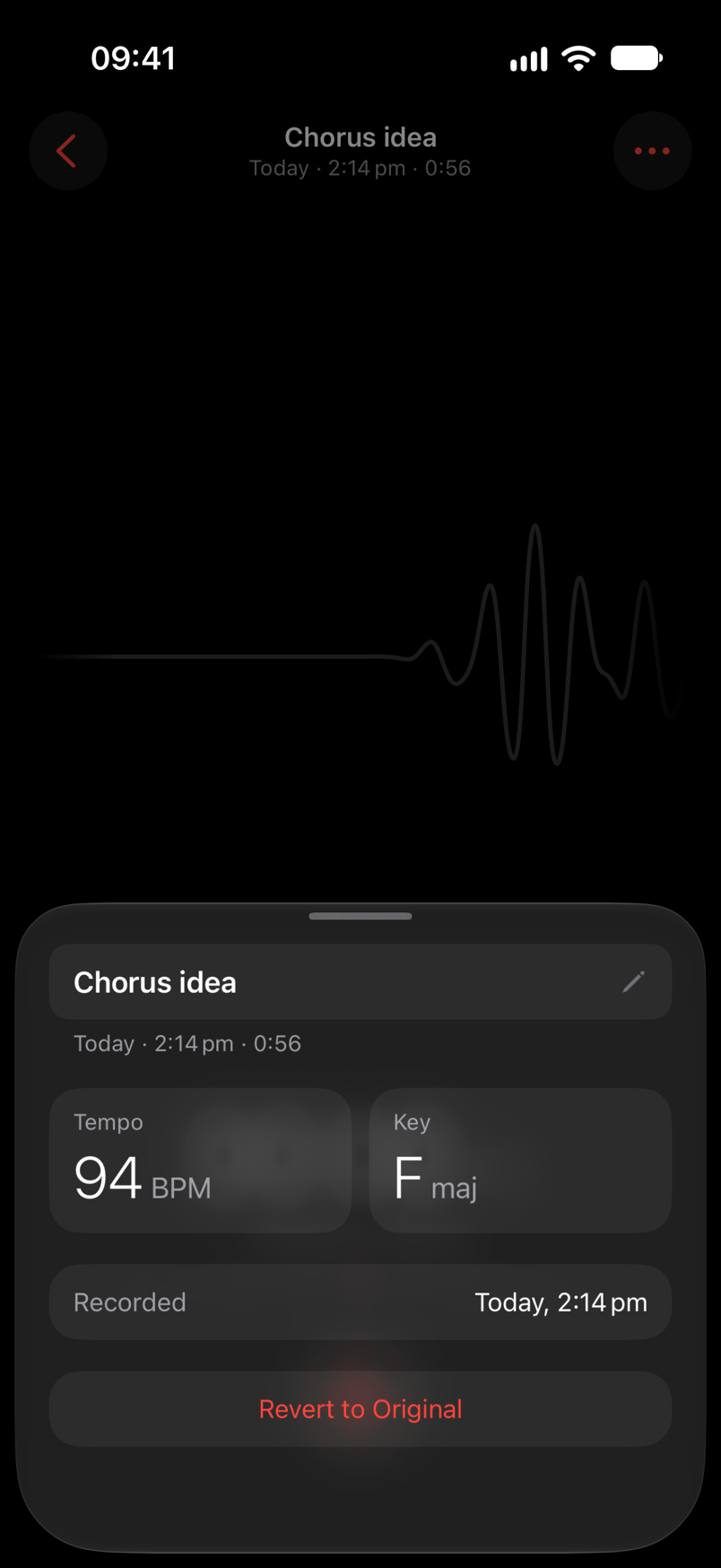
Always undoable
Trim and auto trim only choose what plays. The whole recording stays on your phone. Tap a demo's title, then Revert to Original.
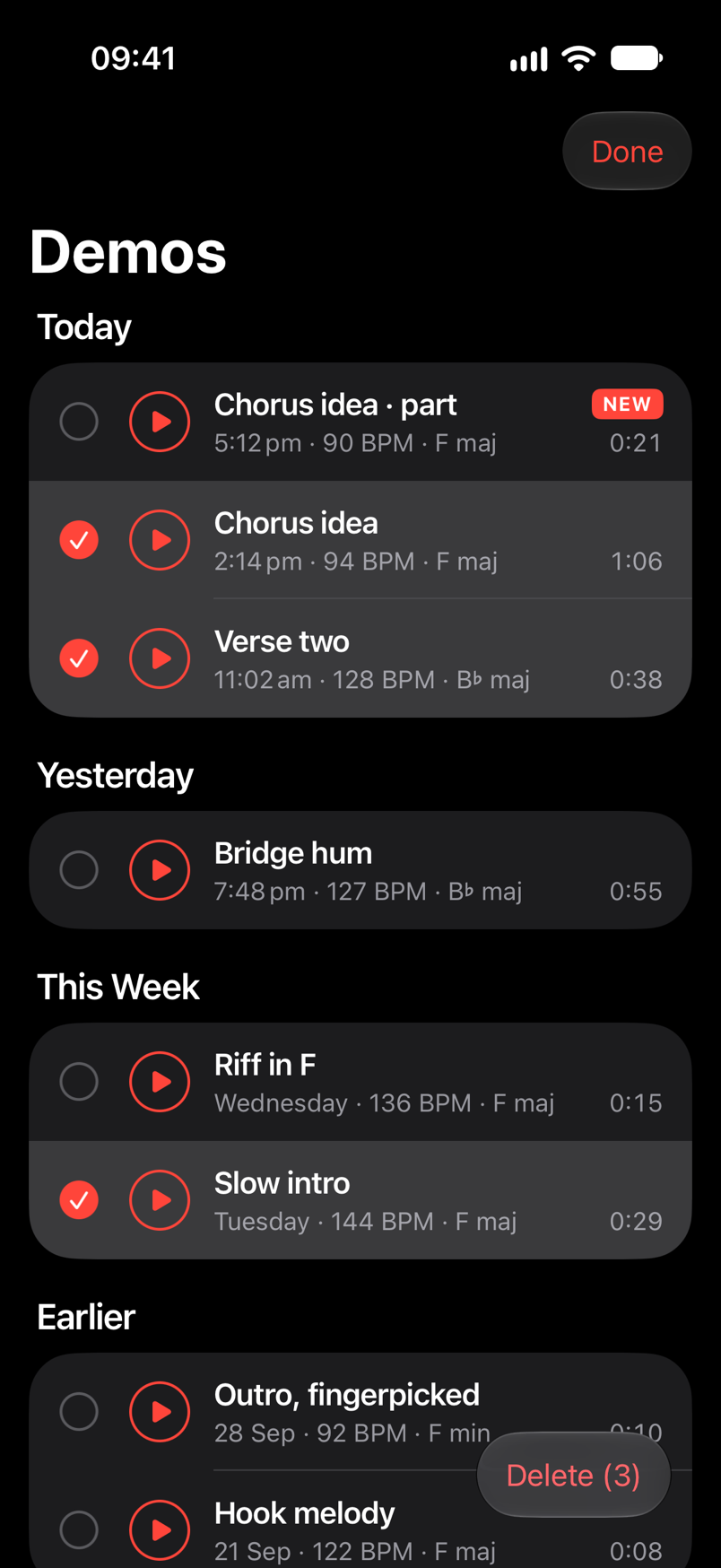
Select
Swipe down the list with two fingers to pick as you go. Tap to add or drop a row. Play still works, so you can hear a take before it goes.
Save a range from Loop or Trim and you land on the list, at the top, with the new demo badged until you play it.
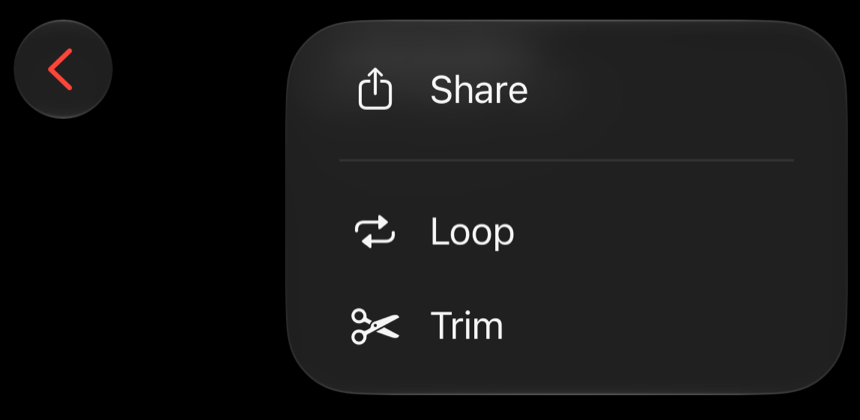
Share has moved into ••• on the Take screen, above Loop and Trim.
Tap the name and all of it is selected. Start typing and "New Demo 12" is gone.
A light tick as your drag crosses from one part to the next in Loop and Trim.
Open the demo that's playing, go back, and the list plays on.
Auto-Lock used to turn it off mid-take, and you had to unlock the phone to reach Stop.
It looked like "clear text". It's gone. Swipe down or tap outside to close, and the name is kept.
It was redrawing itself 25 times a second while idle. Now it only draws when something changes.